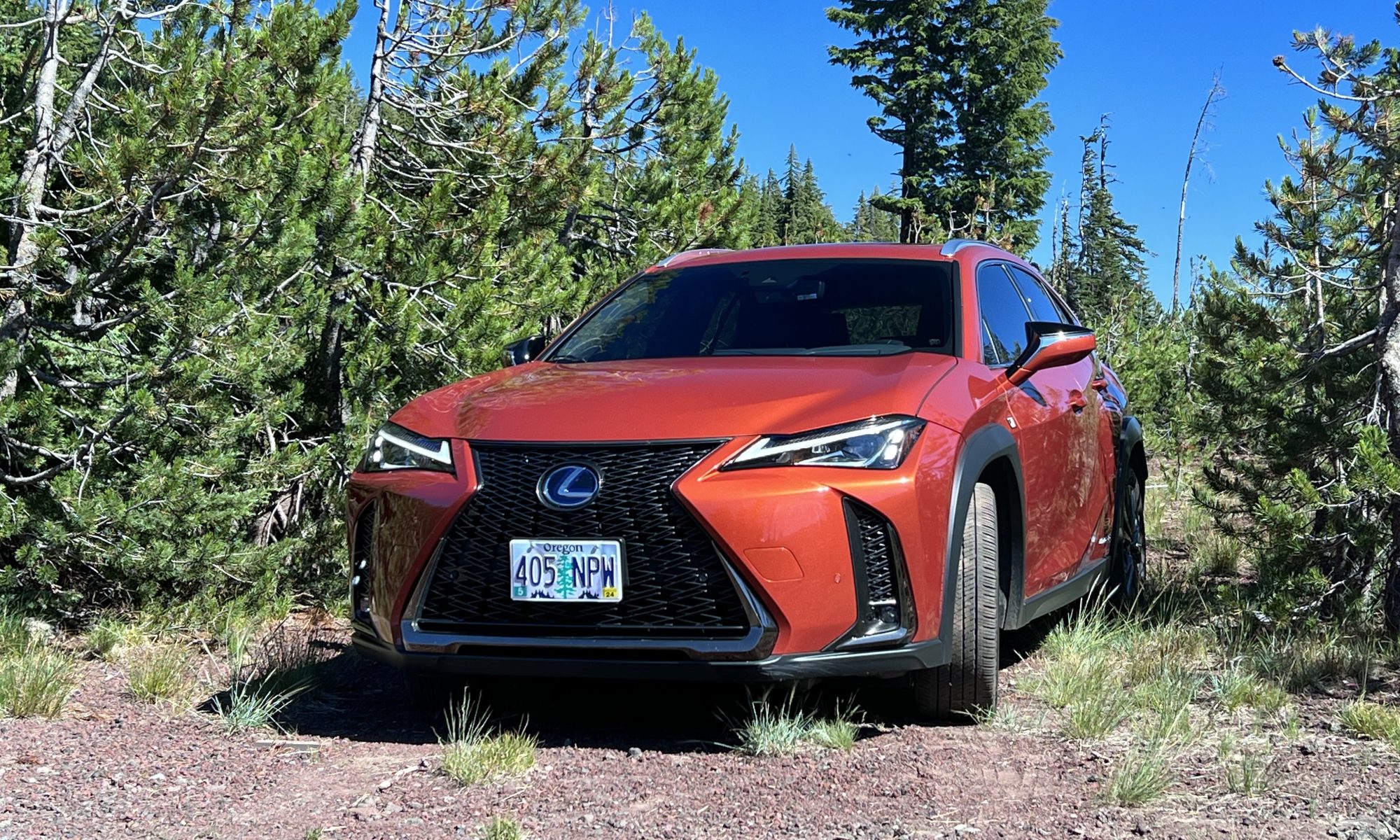


Description:
Airport Pickup
The following video will talk you through how to get to the vehicle.
For Mitsu check the video below.
For all other vehicles, proceed through the check in process via the Turo App for instructions.
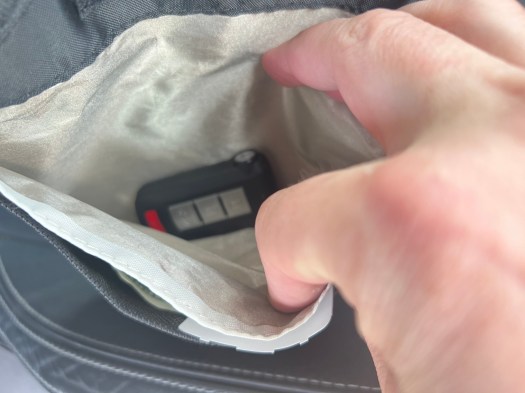
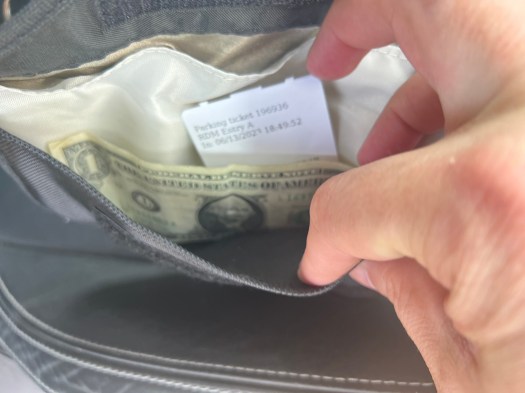
Once you’ve retrieved the keys and are ready to depart, in the front inside pocket of the faraday bag , there will be the parking ticket & cash to cover up to your check in time. Please leave the receipt and the return parking ticket in the same spot you found the ticket.
Airport Drop-off
All Vehicles- Put the whole key in the faraday bag in the center console. Use Turo App to Lock.
Mitsu Only- put the lockbox in the center console as well. I will use the spare key to retrieve all items from the center console. If the vehicle won’t lock, take the key out of faraday bag & stand outside the vehicle, press lock on the key fob, put fob back into faraday bag, then into center console & close the door.
 Rideshare Rex